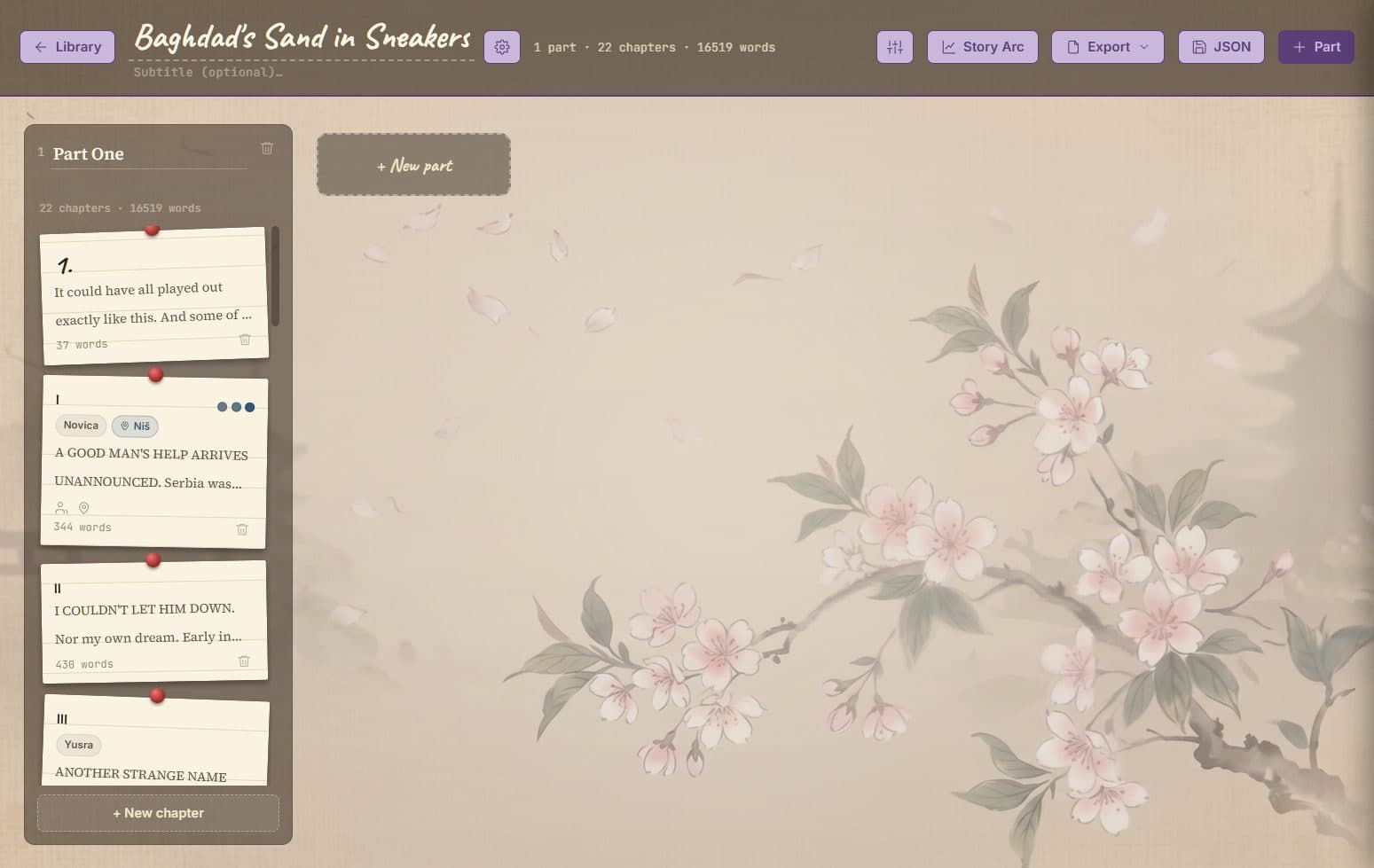
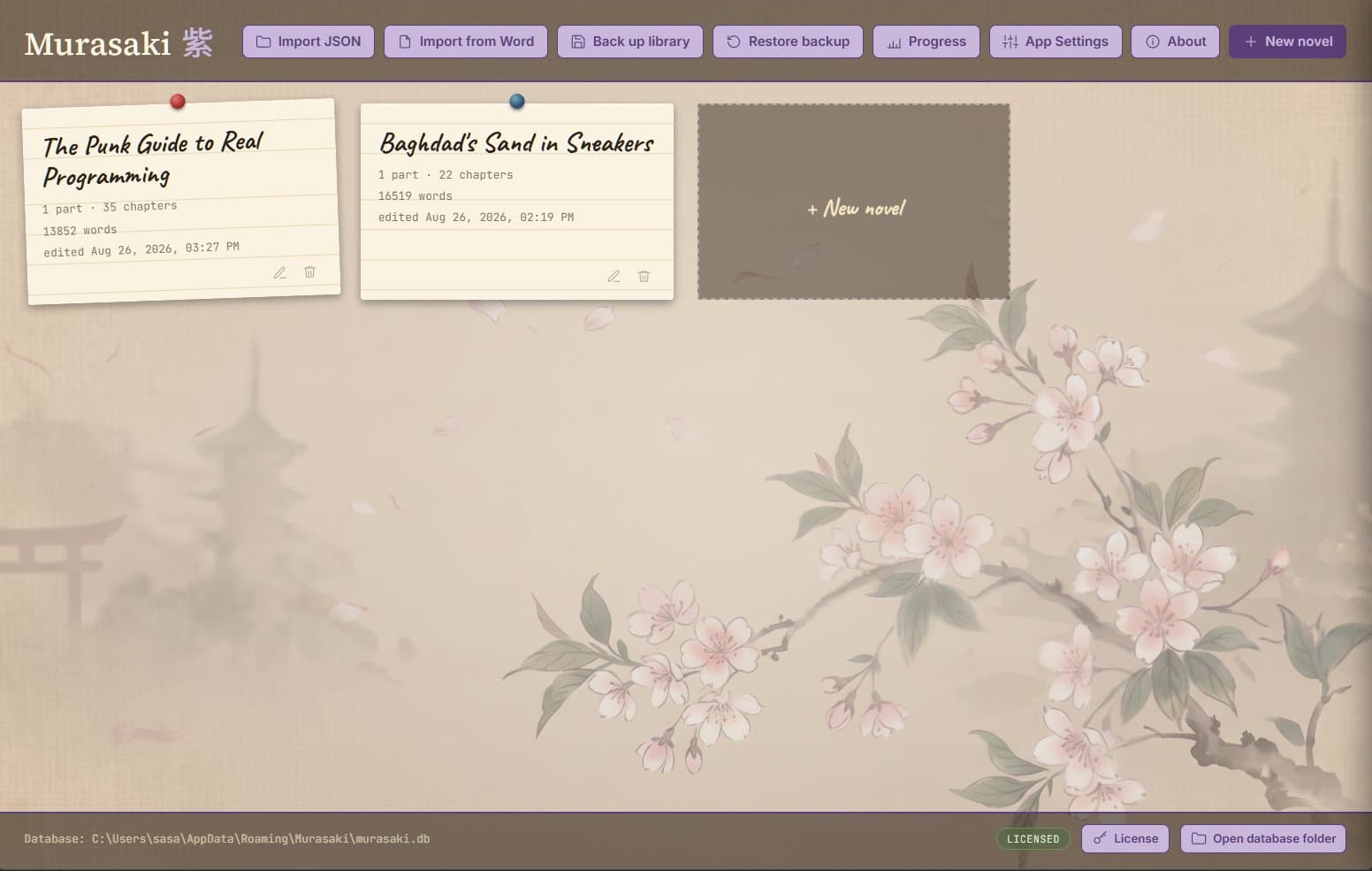
Murasaki turns your novel into a corkboard of index cards — one per chapter — that you can pin, drag, and rearrange until the structure finally clicks. Then write, right there, with your whole book laid out in front of you.
Murasaki is named after Murasaki Shikibu, a Japanese court lady traditionally credited as the world's first novelist. Around 1008 CE, she wrote The Tale of Genji — widely regarded as the first novel in history.
Murasaki (紫) is also the Japanese word for purple — historically the most prestigious color at the Heian court.
Not a word processor pretending to help you plan — a planning board that happens to let you write.
Parts are columns, chapters are cards. Drag one to reorder it, or into another part entirely — numbers are never stored, so nothing is ever left stale. Give a chapter a title and it replaces the number; clear it and the number comes back.
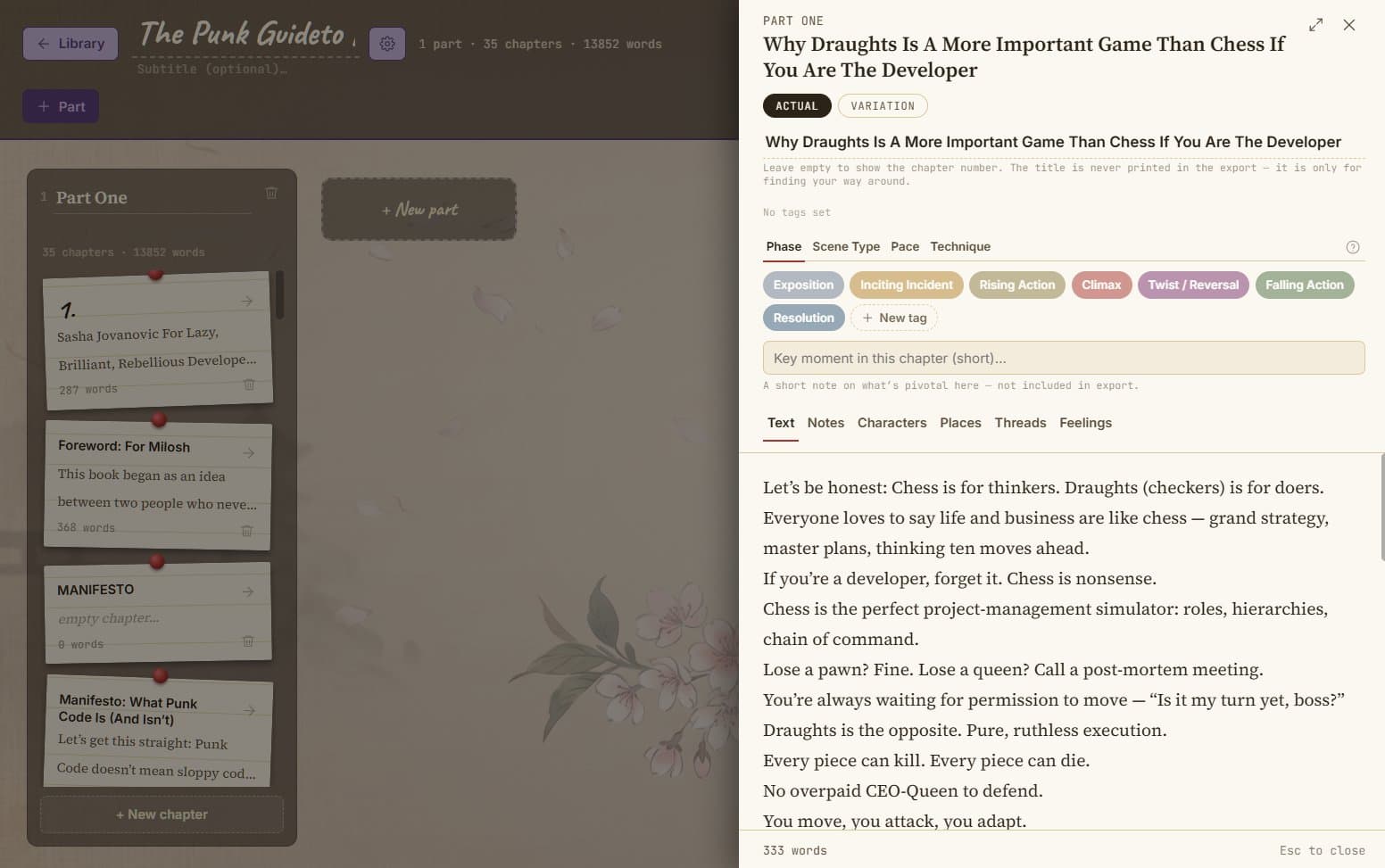
Text, Notes, Characters, Places, Threads, Feelings — six tabs per chapter, with a one-line Key Moment always in view. The expand icon strips it all down to just the heading and the page, centred, nothing else in sight.
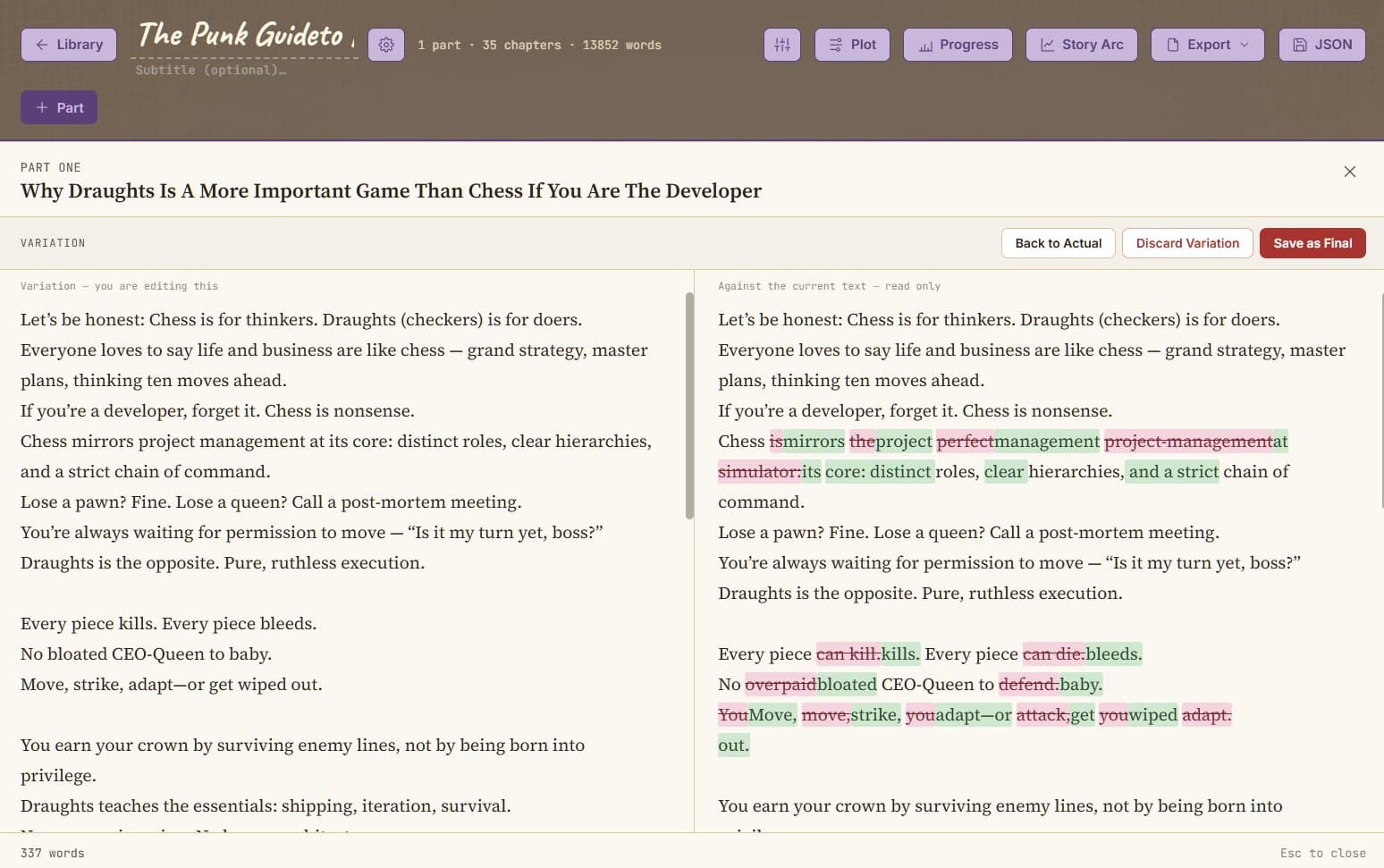
Draft a second version of a chapter beside the first. What you cut shows struck through in pink, what's new shows in green, recalculated as you type. Keep it as final, or discard it — the old version waits in History either way.
Phase, Scene Type, Pace and Technique, each with its own vocabulary and its own colour. A quiet summary shows what's chosen; an Attributes lane lines the full names up beside the chapters themselves.
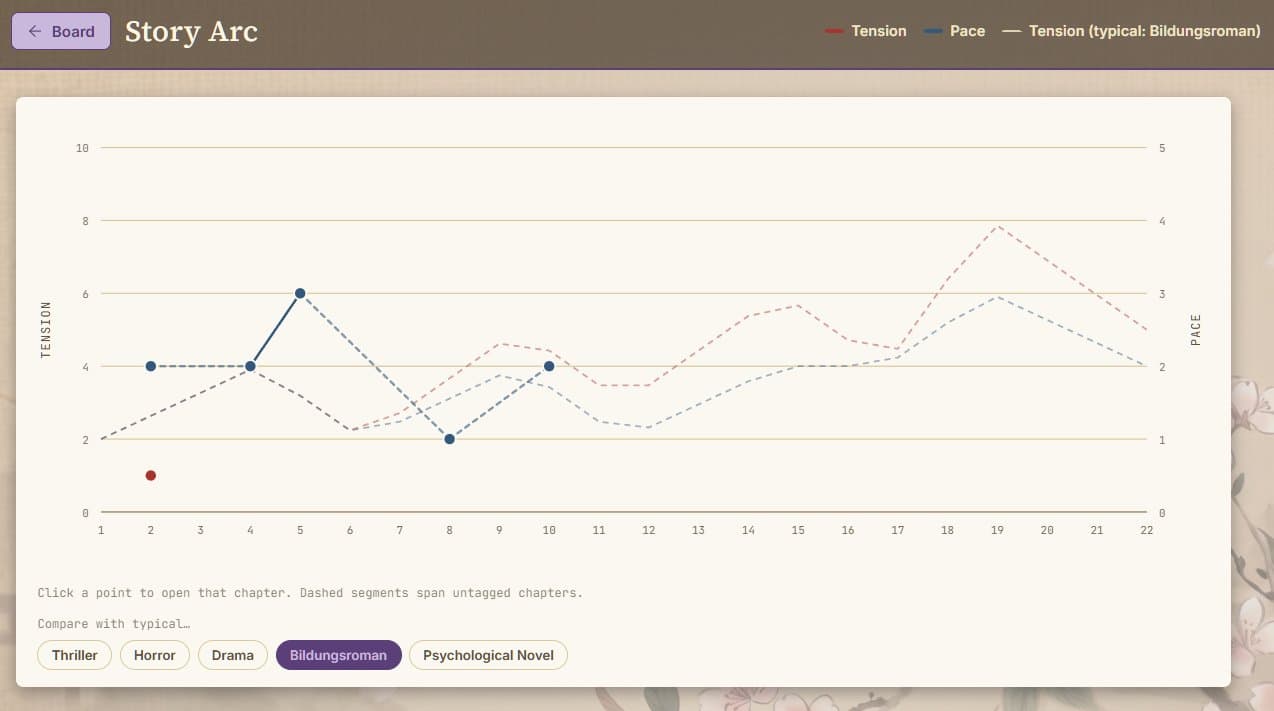
Tension and pace plotted across every chapter, continuously, never resetting per part. Lay a reference curve for Thriller, Horror, Drama, Bildungsroman or Psychological Novel over your own, just to read against.
Synopsis, central conflict, a messy working outline, and named plot threads — each with the chapters that carry it forward, marked with a coloured strip on the card itself.
Words written and net growth, chapters touched, a day-by-day chart, and your current and longest writing streaks — for one novel or all of them. A writing quote greets every visit.
Manuscript .docx with a title page and running header, plain Text, plain Docx, or a valid EPUB with your cover and metadata in place. Every format prints the same thing: title, parts, chapters, text — nothing you planned along the way.
Point it at a .docx and it reads Word's own heading structure to find your parts and chapters — nothing is written until you approve what it found. Back up the whole library to one file, or a single novel with its full planning layer intact.
One-time payment for Full — no subscription, ever. Your novels live in a database file on your own computer either way.
Everything you need to start structuring and writing.
The complete planning toolkit, unlocked for good.
Feature split between Light and Full is still being finalized.